Octopus
Cleanup, apps, security and system tools for your Mac.
A native interface for Mole, the command-line cleanup tool, with every command and option one click away, plus its own tools: security checks, SSH keys, network ports, startup items, Homebrew and hidden settings.
Octopus drives Mole, which it can install for you; it isn’t affiliated with Mole or its author.
- Version
- 0.2.0
- Requires
- macOS 14
- Interface
- EN · FR
- Engine
- Mole
- License
- MIT
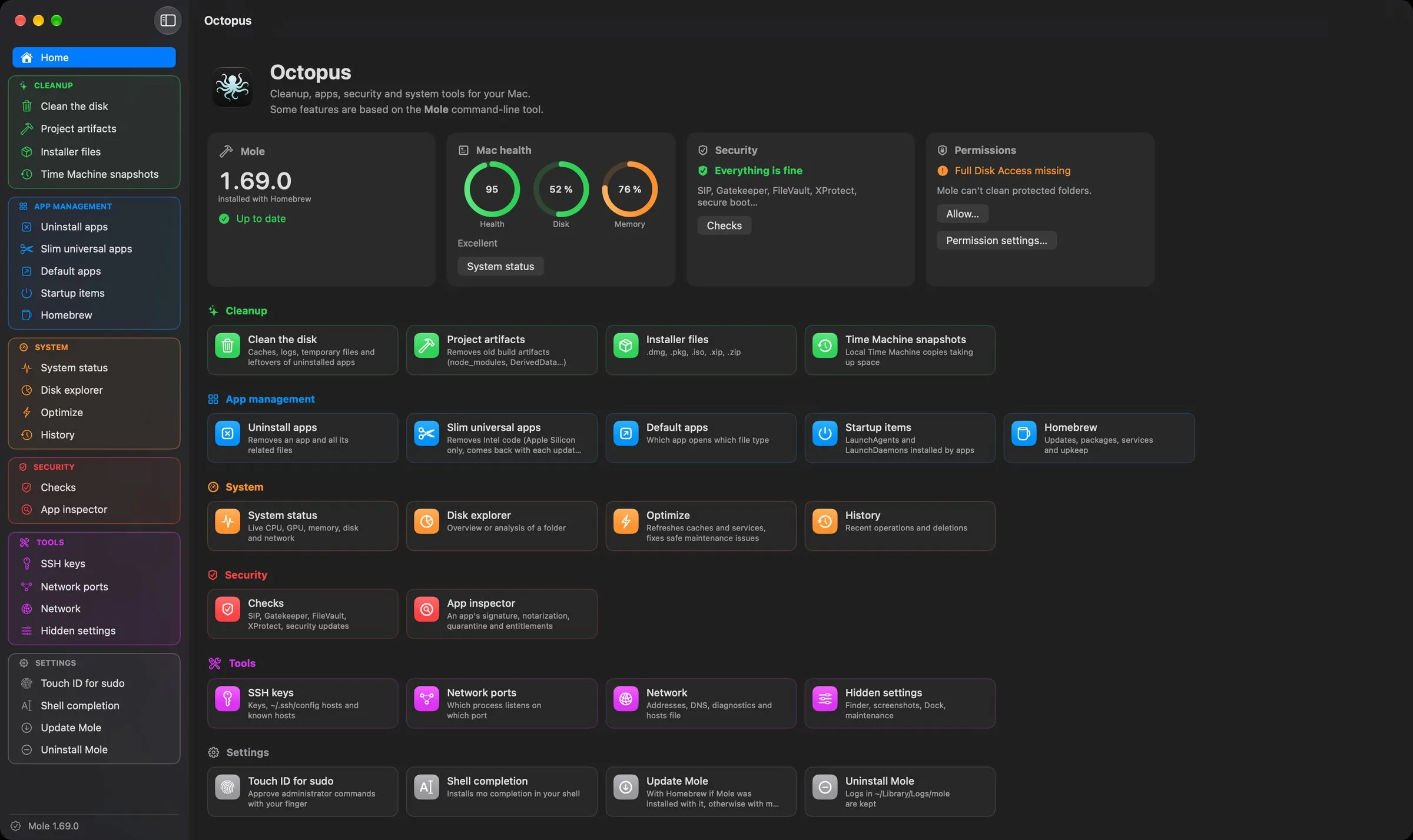
Your Mac at a glance
Health, disk and memory gauges, the result of the security checks, the installed Mole version and Full Disk Access status, with a tile for every tool.
- Mole updates in one click, with Homebrew or mo update depending on how it was installed.
- If Mole is missing, Octopus offers to install it.
- Light, dark or automatic mode, with color-coded sections.
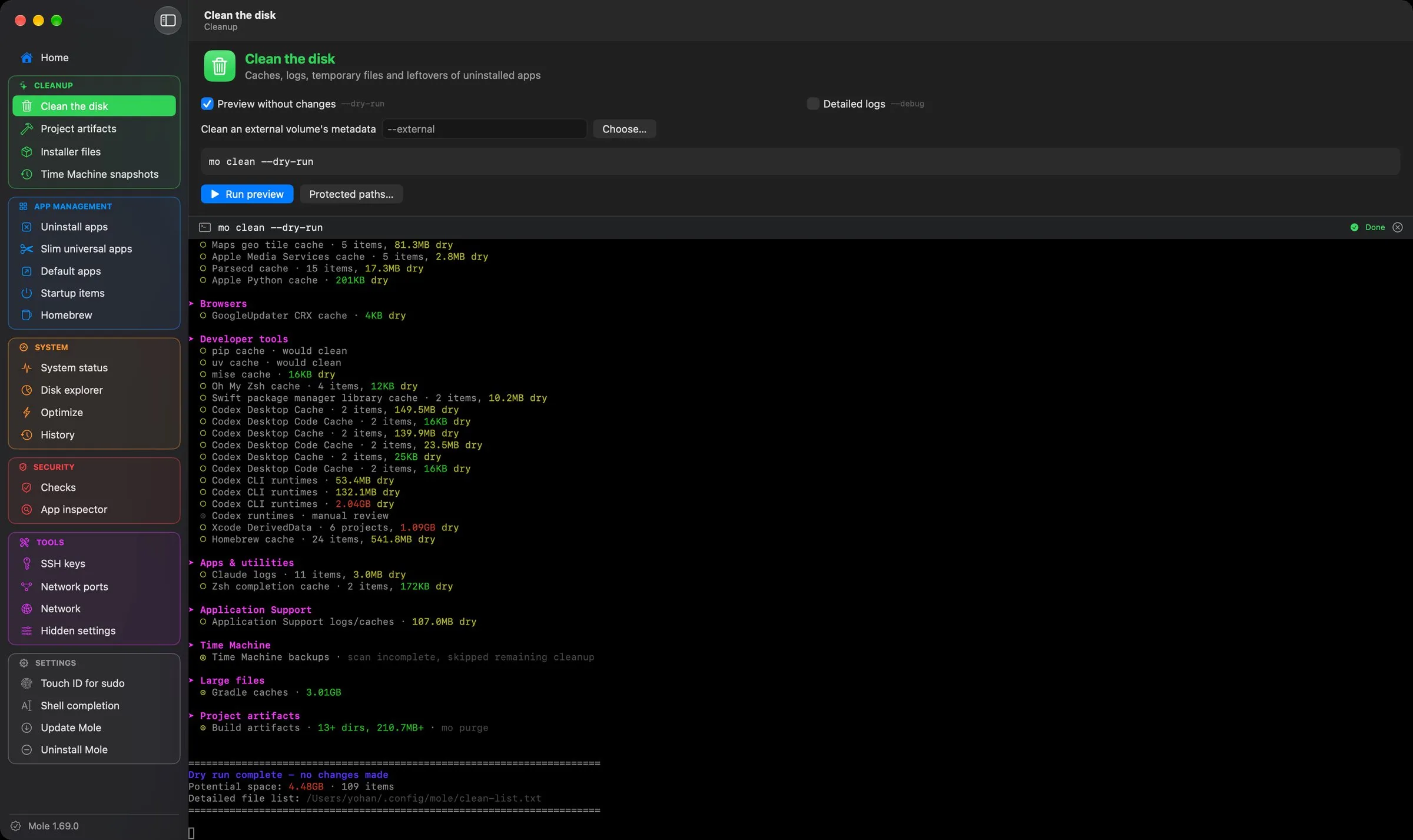
Every Mole command, with its options
Caches, logs, project artifacts, installer files and Time Machine snapshots. Options are checkboxes, and Mole runs in a real embedded terminal, Touch ID and sudo included.
- Preview first: --dry-run is checked by default on every command that deletes.
- The generated command line is always shown before launch.
- Includes the Mole commands missing from the mo menu.
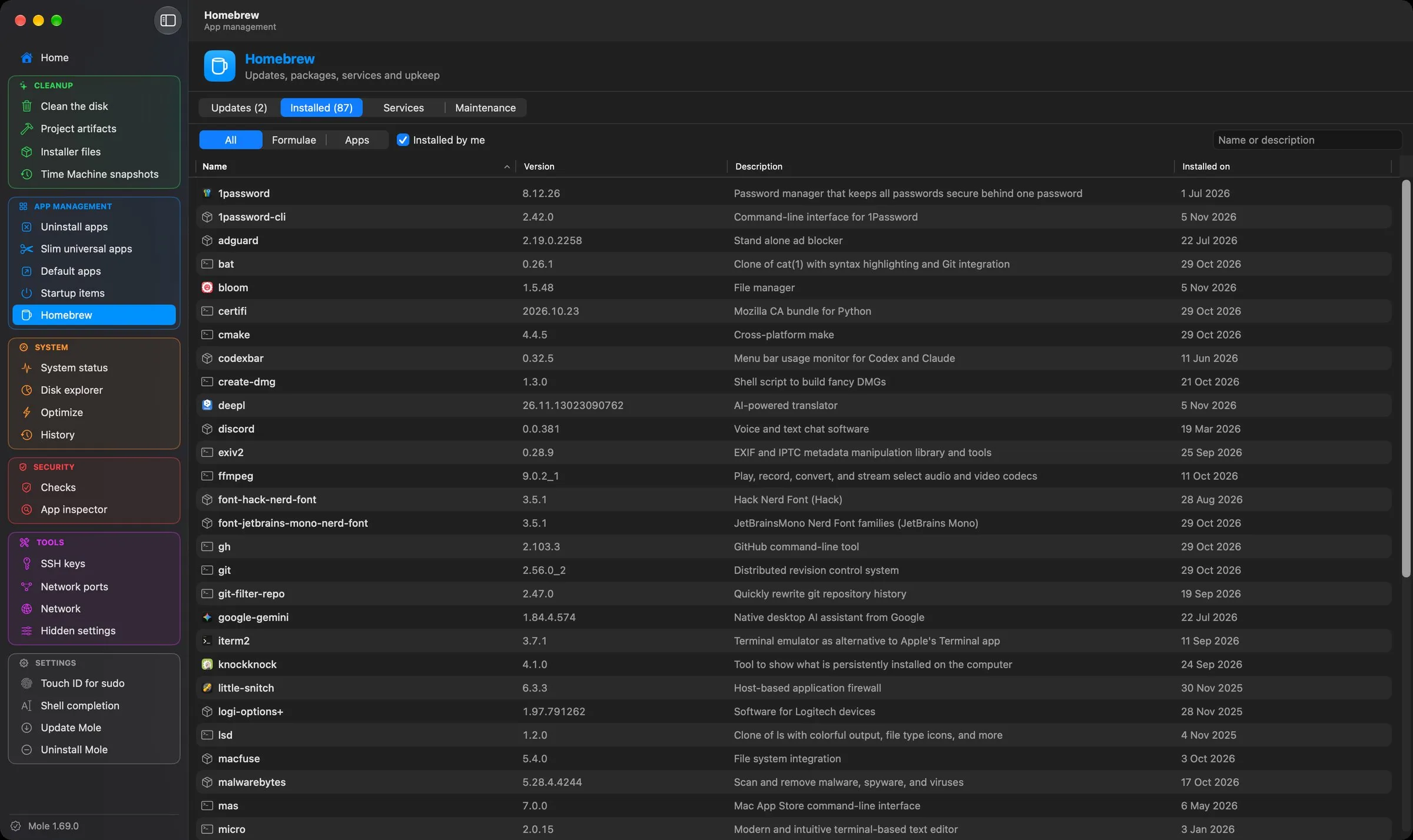
Apps, startup items and Homebrew
Uninstall apps with all their files, slim universal apps, choose default apps, and keep an eye on what starts with your Mac.
- Startup items with their signature: enable, disable or reveal them, several at a time.
- Homebrew: one-click upgrades, packages excluded from updates, formulae and casks, services, cleanup and autoremove.
- Detects and repairs a cask stuck on “already an App at…”.
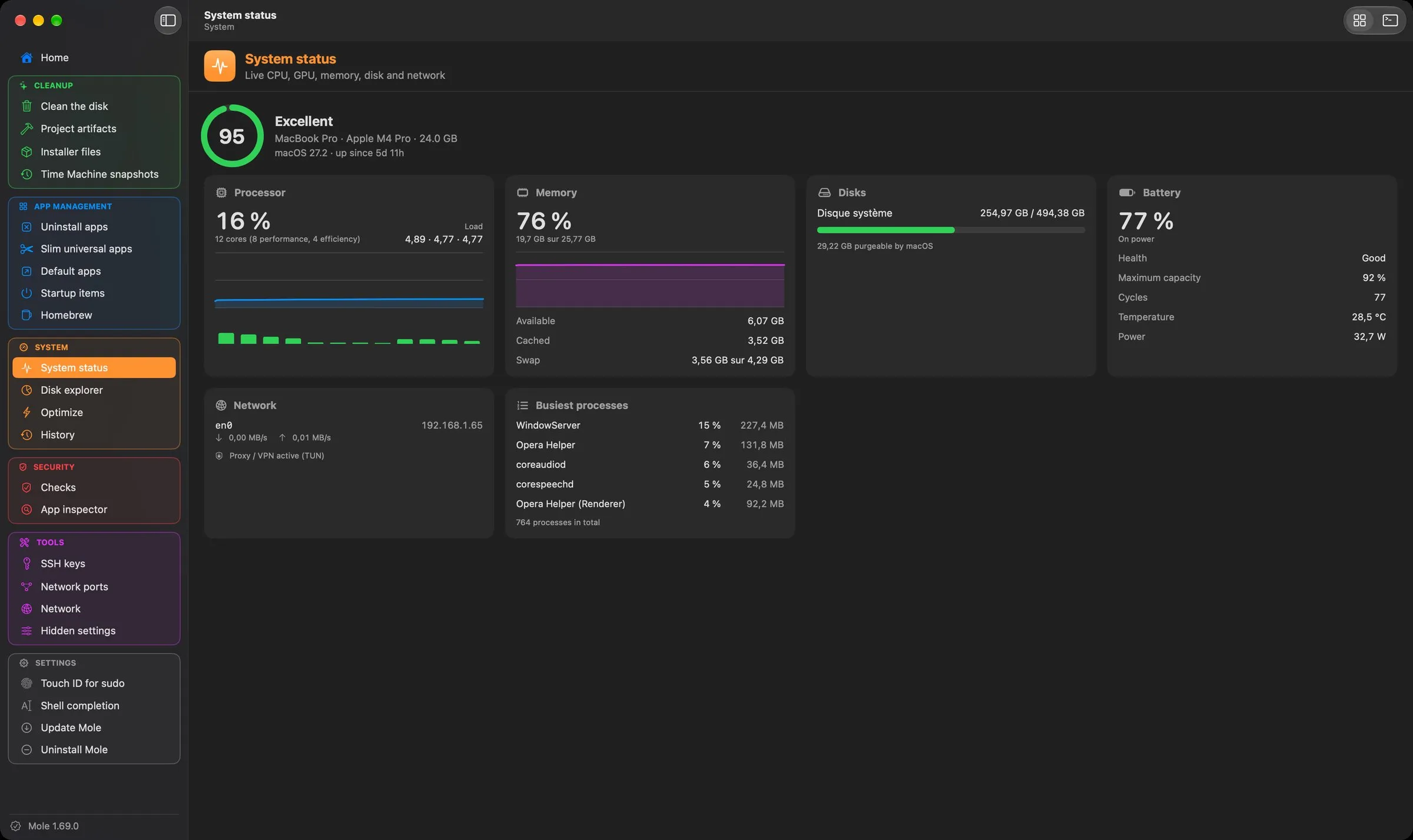
Live status and disk explorer
CPU, GPU, memory, disks, network, battery and the busiest processes, live, in native views built on Mole’s data.
- The biggest folders and files of your Mac or of a folder, sortable, with reveal in Finder.
- Optimize: refreshes system caches and services, and runs risk-free maintenance tasks.
- History of Mole’s recent operations and deletions.
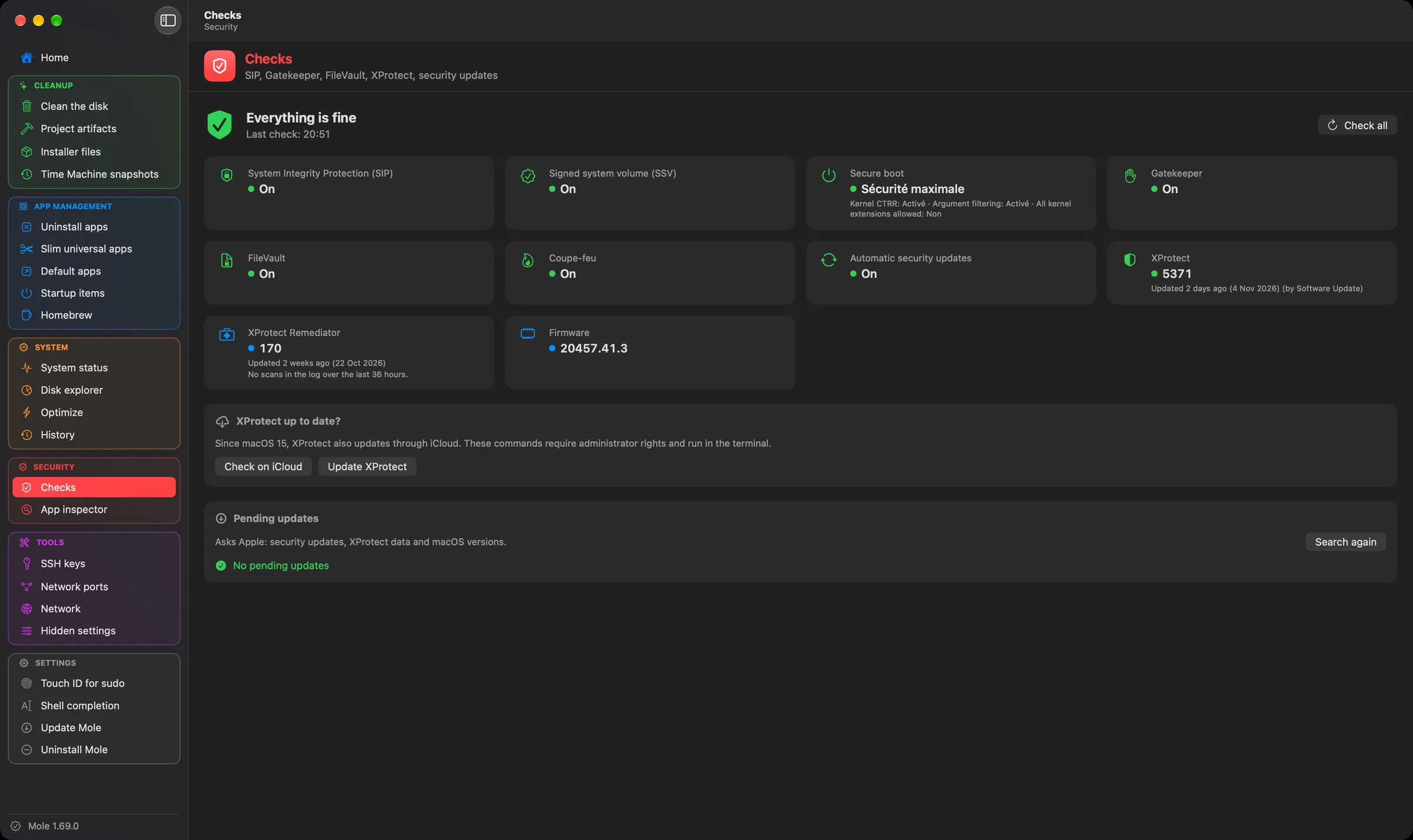
Is your Mac protected?
Checks in the spirit of SilentKnight: SIP, signed system volume, boot security, Gatekeeper, FileVault, firewall, XProtect and its last scans, firmware and pending updates.
- App inspector: who signed an app, whether it’s from the App Store or notarized, whether it’s sandboxed, its quarantine and entitlements, and quarantine removal.
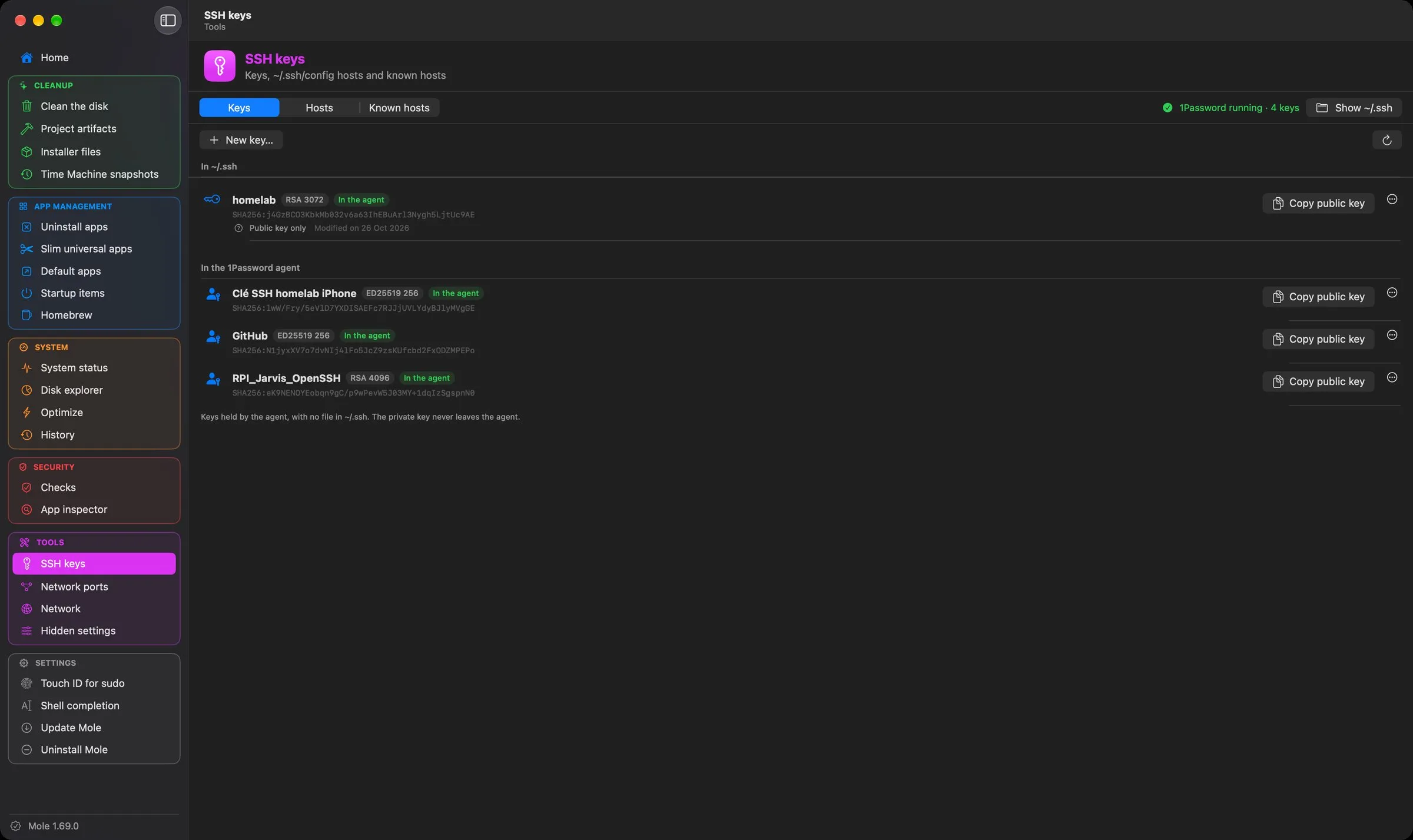
SSH, ports, network and hidden settings
Your SSH keys and the agent’s (1Password included), the hosts of ~/.ssh/config with a form editor, known hosts, connection test and public key upload.
- Network ports: which process listens on which port, root processes included, with Touch ID.
- Network: addresses, DNS, public IP, diagnostics and the hosts file editor.
- Hidden settings for Finder, screenshots and the Dock, without defaults write.
Three steps, one time.
Your permissions and settings are kept from one version to the next.
- Download
Octopus-0.2.0.dmgfrom the latest release. - Open it and drag Octopus onto the Applications folder.
- Allow it once. Octopus is signed but not notarized by Apple, so macOS blocks the first launch. Open System Settings › Privacy & Security and click Open Anyway.
After that, Octopus updates itself: it checks for a new version once a day and offers to install it.
xattr -dr com.apple.quarantine /Applications/Octopus.appNo account, no analytics, no tracking.
Octopus collects nothing and sends nothing about you. It only checks the latest Mole version and its own updates on GitHub, and your public IP address when you open the Network view.
Built with Claude
I come up with the ideas, make the design decisions and test every version on my own machines. Much of the code is written with Claude, Anthropic’s AI assistant. I’d rather say so upfront.