For your Mac
Made for your Mac.
Native SwiftUI apps, signed but not notarized: macOS asks you to allow them once, in Privacy & Security.
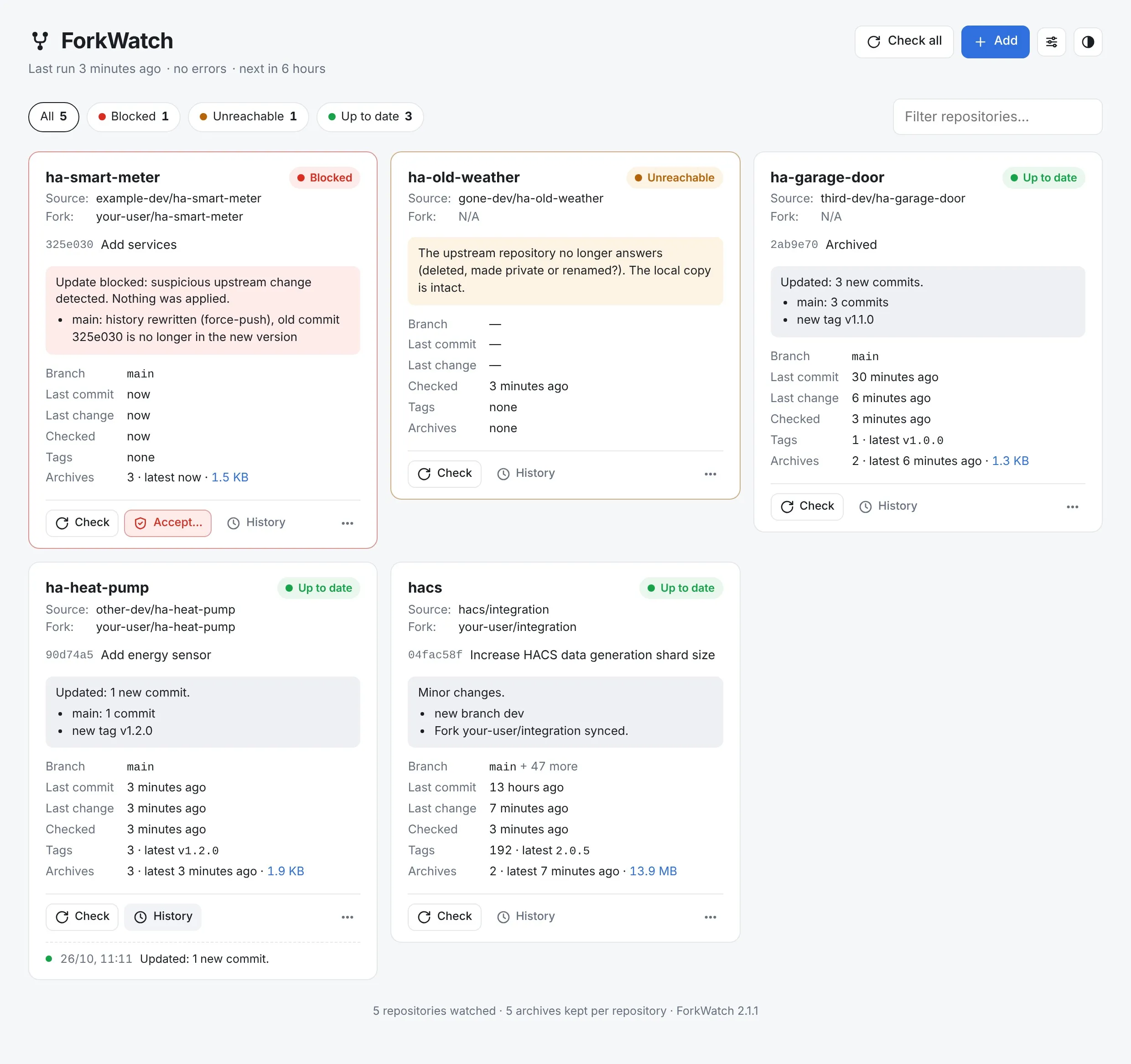
Keep your browser bookmarks and tabs in shape.
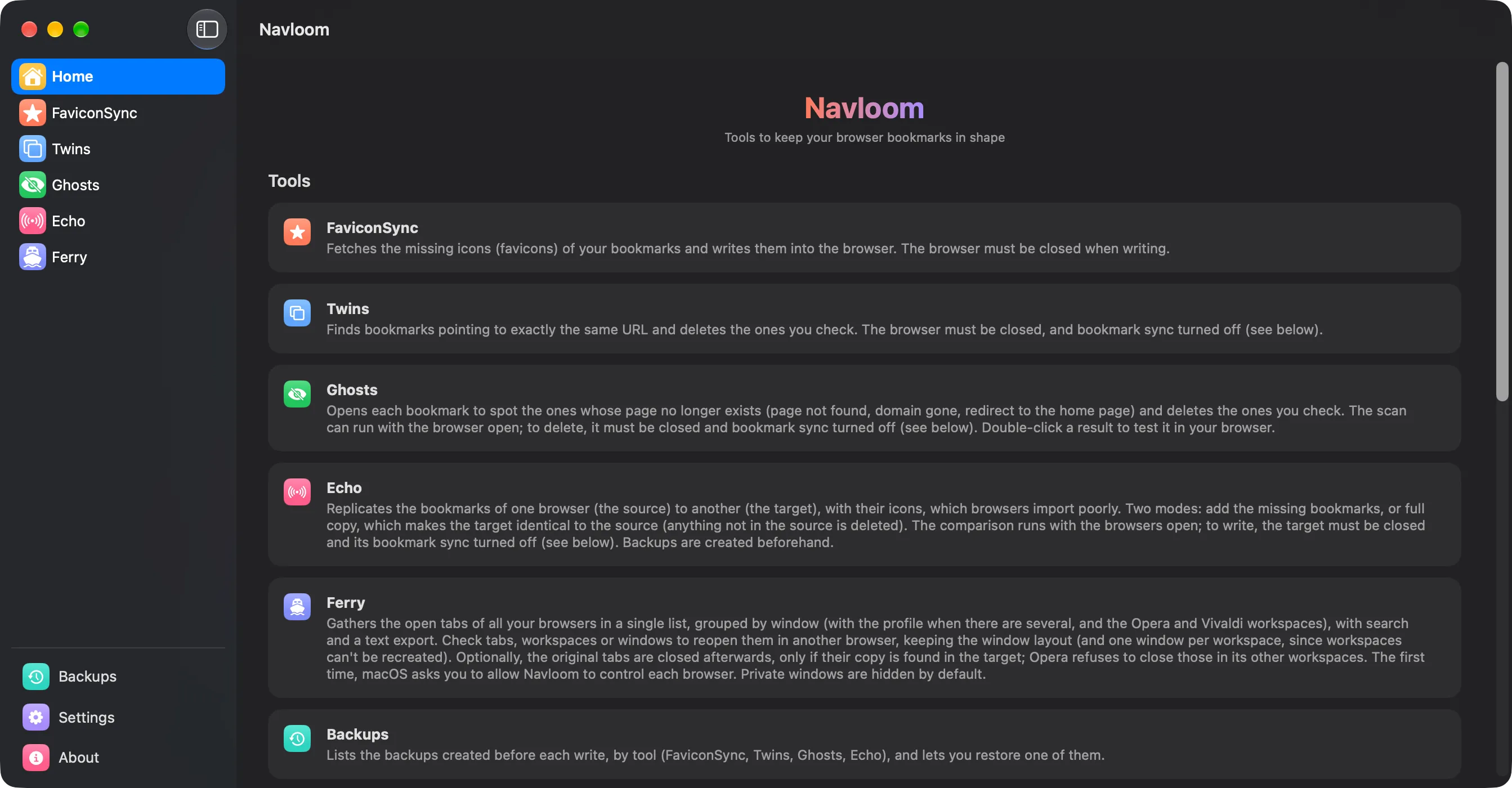
Brings back missing favicons, finds duplicates and dead links, copies bookmarks between browsers with their icons, and moves open tabs around. A backup comes before every change.
- FaviconSync
- Twins
- Ghosts
- Echo
- Ferry
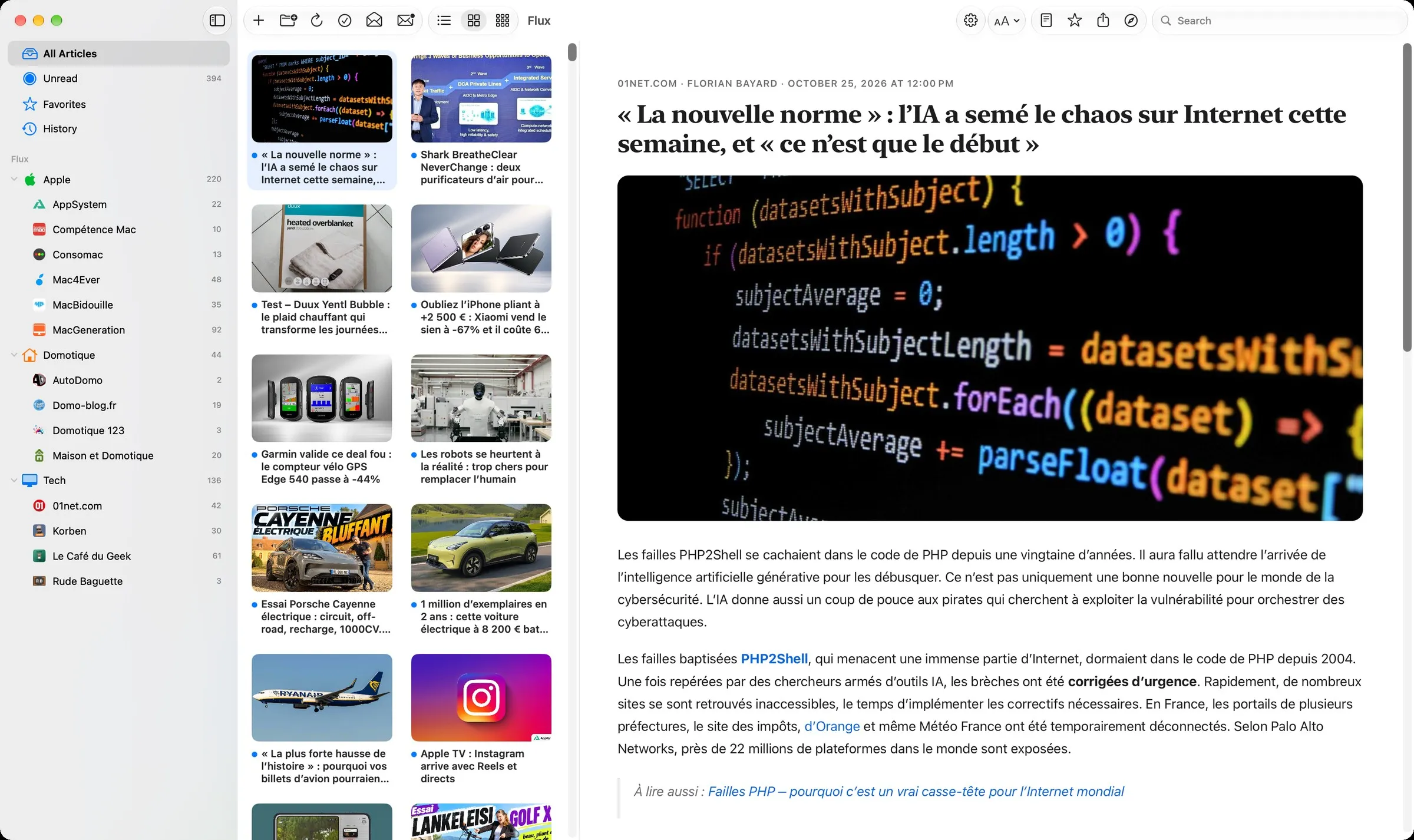
A simple, good-looking RSS reader.
Add your feeds, browse them as a list or a grid, and read the full article right in the app. Similar stories from several sources are grouped, favorites can be tagged, and your Macs stay in sync and backed up through iCloud Drive.
- Full articles
- Similar stories
- Offline reading
- Tags
- iCloud sync & backup
Track your RSUs and the French tax on selling them.
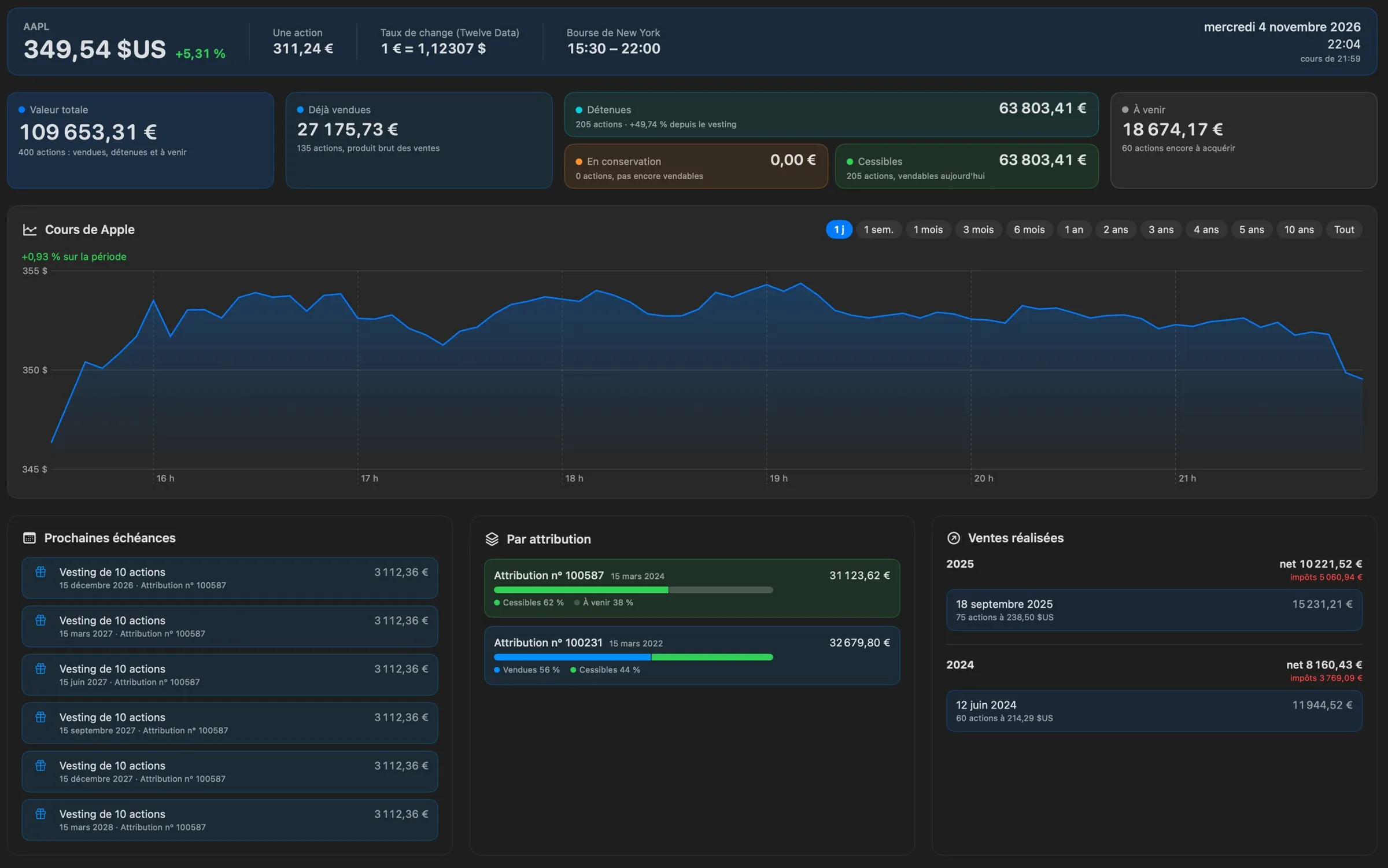
Enter or import your grants, vestings and sales: Vestora shows what your shares are worth, which ones you can sell, and the French tax due on a sale, real or planned. Everything stays on your Mac, with an encrypted backup.
- Dashboard
- Sale simulator
- French tax
- Encrypted backup
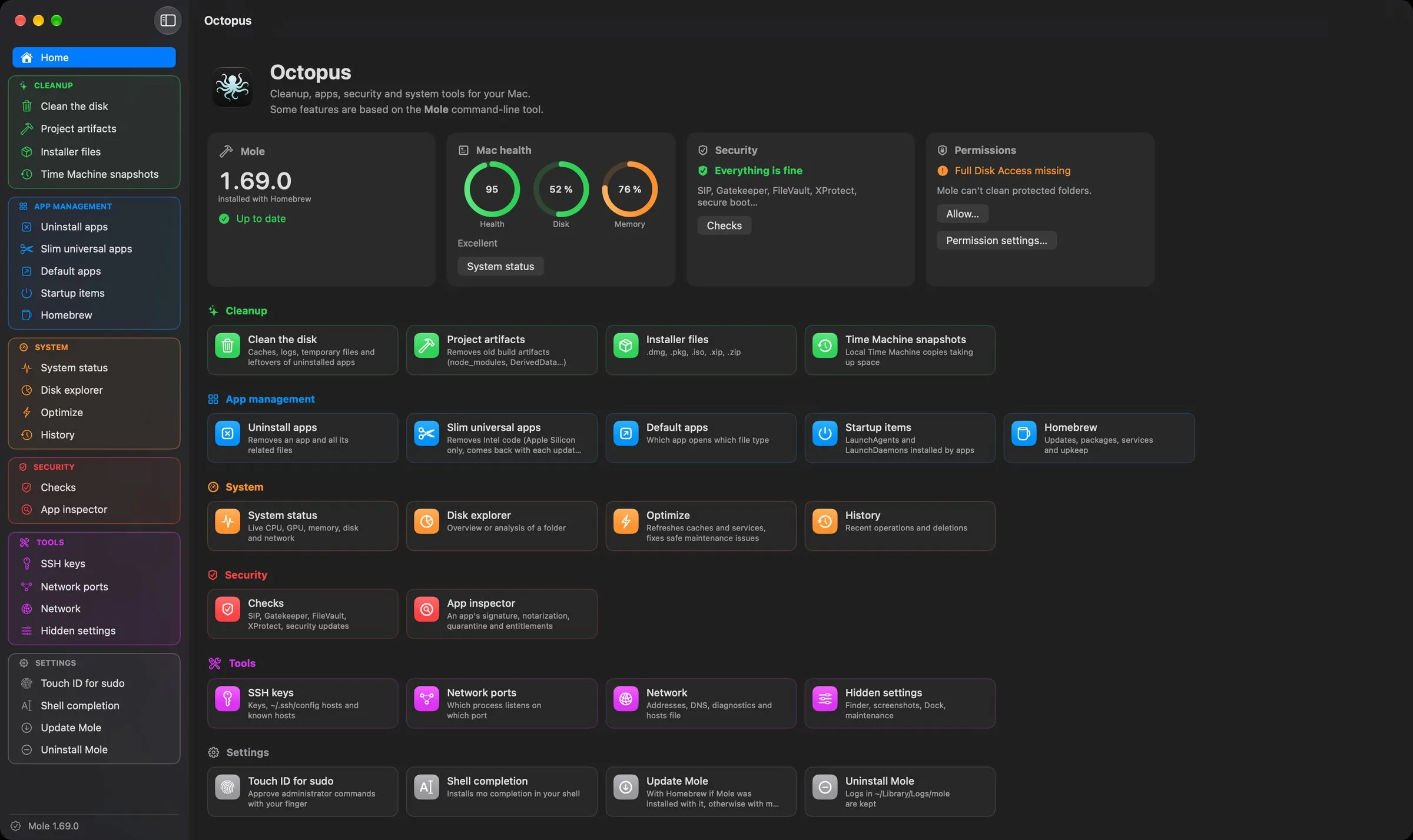
Cleanup, apps, security and system tools for your Mac.
A native interface for Mole, the command-line cleanup tool, with every command and option one click away, plus its own tools: security checks, SSH keys, network ports, startup items, Homebrew and hidden settings.
- Cleanup with Mole
- Security checks
- App management
- System tools
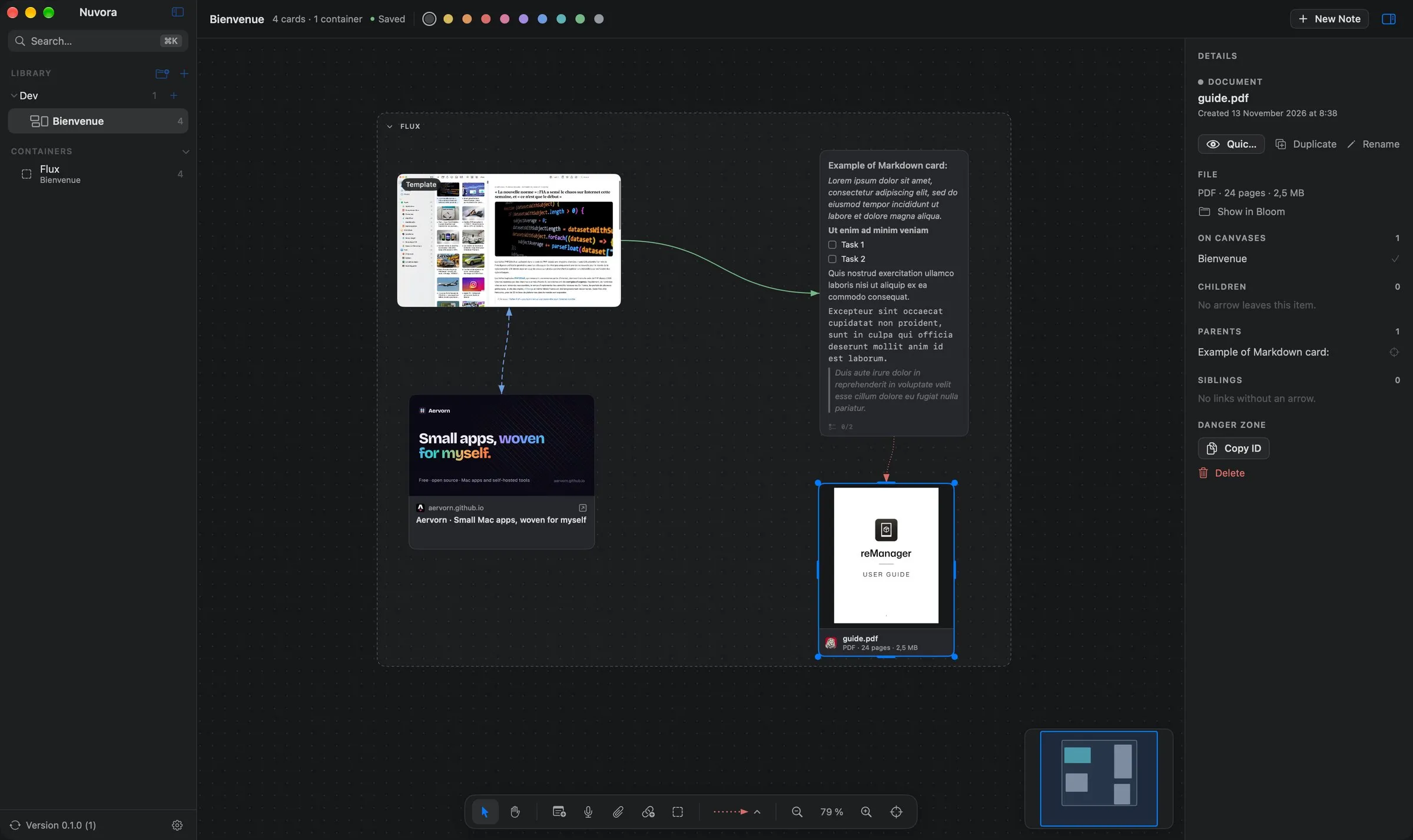
Infinite canvases for your ideas, 100% local.
Lay out notes, voice notes, images, videos, documents and web links on infinite canvases, connect them with arrows and group them in containers. No account, no cloud, no telemetry: everything stays on your Mac.
- Infinite canvas
- Markdown notes & tasks
- Voice notes, files, links
- 100% local
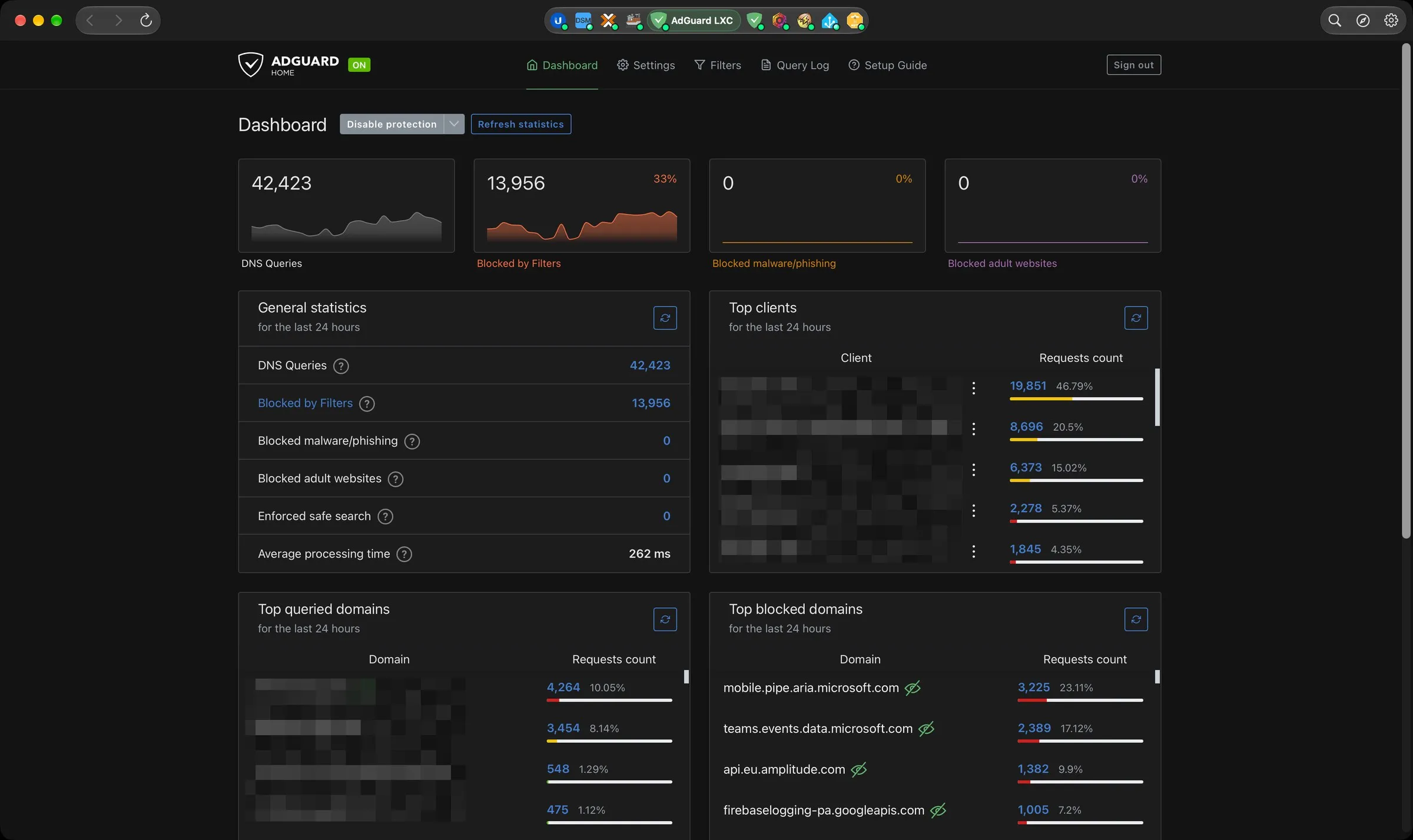
Your homelab’s web interfaces in one Mac window.
UniFi, Synology DSM, Proxmox, Home Assistant, AdGuard Home and any other web interface, one tab per service in a native window. Pages stay alive between tabs, each service keeps its own sign-in, and a dot tells you whether it responds.
- Capsule or dock tabs
- Quick switcher ⌘K
- Automatic sign-in
- Service status